Remote Work Ergonomics & Home Office Setup Guide for 2026
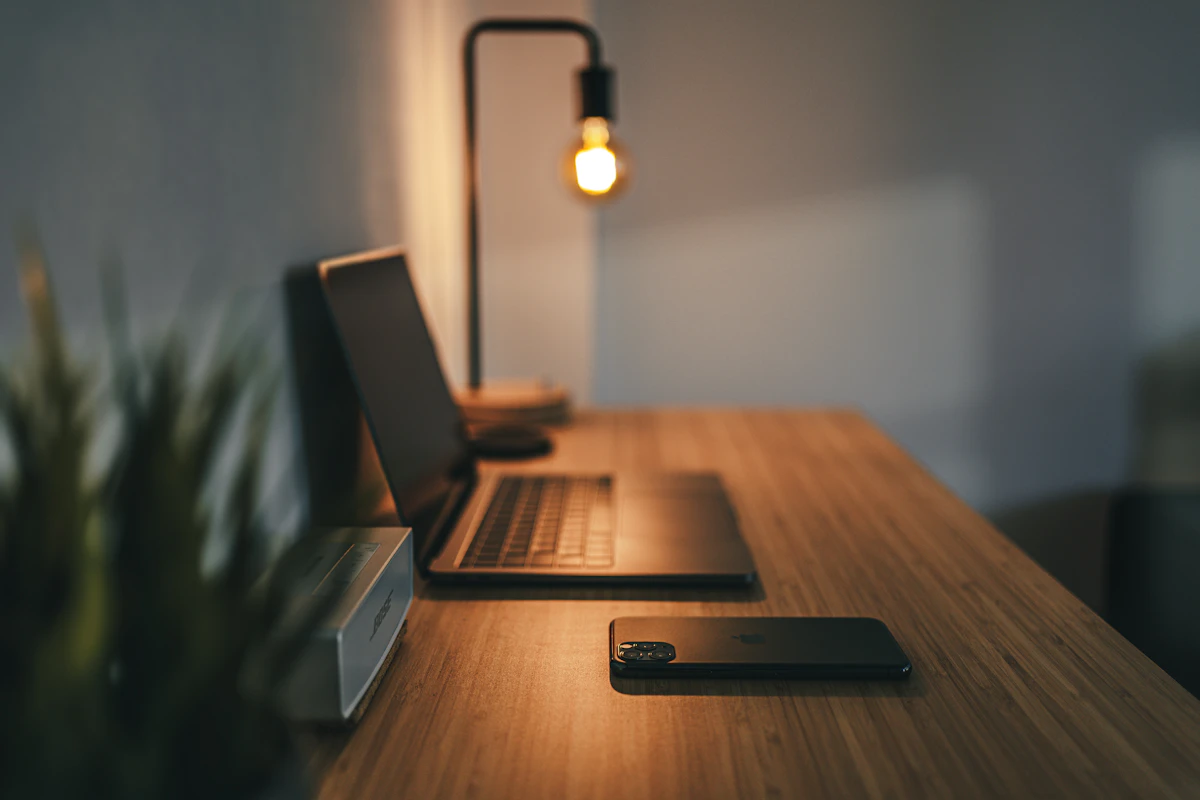
Optimizing workstation posture reduces spinal strain and increases focus during extended remote work sessions.
🪑 Ergonomic Workstation Alignment Checklist
| Body Area | Ideal Ergonomic Angle / Position | Recommended Gear Upgrade |
|---|---|---|
| Eyes & Neck | Top edge of monitor screen aligned at eye level (arm’s length away) | Adjustable VESA monitor arm or laptop riser |
| Arms & Wrists | Elbows bent at 90° – 100° with wrists resting flat in neutral alignment | Vertical ergonomic mouse & cushioned wrist support |
| Lumbar & Lower Back | Back supported snugly against lower spinal lumbar curve | Task chair with dynamic 4D lumbar adjustments |
| Legs & Feet | Feet resting flat on floor with knees bent at 90° angle | Under-desk angled footrest cushion |
With millions of knowledge workers across North America and Europe working full-time from home, setting up a health-focused workspace is no longer optional. Poor desk posture, improper seating, and secondary screen positioning lead to chronic back pain, eye strain, and lower daily energy.
Applying proper posture principles and investing in ergonomic equipment transforms your home workspace. This guide outlines the essential gear, posture adjustments, and lighting techniques needed to build a fatigue-free home office in 2026.
1. Invest in an Ergonomic Office Chair with Lumbar Support
A standard dining or couch seat lacks the structural support required for eight-hour workdays. Choose a breathable mesh office chair featuring adjustable armrests, depth control, and dedicated lumbar support that aligns natural spinal curves.

Adjustable lumbar support reduces pressure on lower lumbar discs during long desk hours.
2. Transition to a Motorized Sit-Stand Desk
Remaining seated for prolonged periods slows blood circulation and increases fatigue. Motorized standing desks allow seamless transitions between sitting and standing throughout the workday, keeping core muscles active and reducing lower back stiffness.

Alternating between sitting and standing every 45 minutes improves energy levels and posture.
To avoid digital eye fatigue, every 20 minutes look at an object at least 20 feet away for 20 seconds. This simple habit relaxes eye focus muscles and reduces end-of-day headaches.
3. Position External Displays at Correct Eye Level
Looking down at a laptop screen forces the neck into unnatural forward tilts, exerting up to 60 pounds of physical pressure on cervical vertebrae. Use an external monitor arm or laptop riser stand to align the top third of your display directly with your horizontal line of sight.

Elevating displays prevents forward neck strain and promotes upright head alignment.
4. Use Vertical Mice and Split Keyboards for Wrist Health
Standard flat mice force the forearm into pronation, compressing the median nerve over time. Vertical ergonomic mice and split keyboards place hands in a natural "handshake" angle, mitigating the risk of Carpal Tunnel Syndrome.

Ergonomic vertical peripherals keep forearms in natural position, preventing wrist inflammation.
5. Optimize Workspace Lighting and Monitor Light Bars
Inadequate room lighting creates sharp glare contrasts that strain eyes during long work sessions. Combine indirect natural sunlight with an anti-glare monitor light bar to illuminate your desk evenly without taking up surface space.

Balanced workstation lighting eliminates harsh screen glare and maintains focus throughout the day.
📌 Final Action Step
Start with quick fixes today: elevate your laptop screen using books or a stand, and adjust your seat height so your feet rest flat on the floor. Gradually upgrade to dedicated ergonomic gear as budget allows.


Comments
Post a Comment
Thank you for visiting Nazim Technology. Please keep your comments respectful and relevant to the topic. Spam comments and promotional links will be removed.